
Common Mistakes in Avaya IP Office Configuration
If you have ever had a Monday morning at the office with phones not ringing, calls dropping, or voicemail not working, the problem probably lies in the setup. Setting up the Avaya IP Office configuration Dubai businesses from the start can save you a lot of stress later. This system works well when set up correctly, but can be a headache when it’s not. In this post, we will go through the mistakes we see and how to avoid them.
Why do configuration mistakes happen often?
The Avaya IP Office is a feature-rich platform, and that’s exactly why things can go wrong. Some settings interact with each other, such as licensing, trunk settings, extension numbering, codecs, and network parameters. Changing one setting without understanding how it affects the others can cause problems to become big outages. Many businesses handle their own Avaya IP Office configuration Dubai-wide without proper training or inherit a system that wasn’t completed properly. Either way, the same mistakes keep happening across industries.
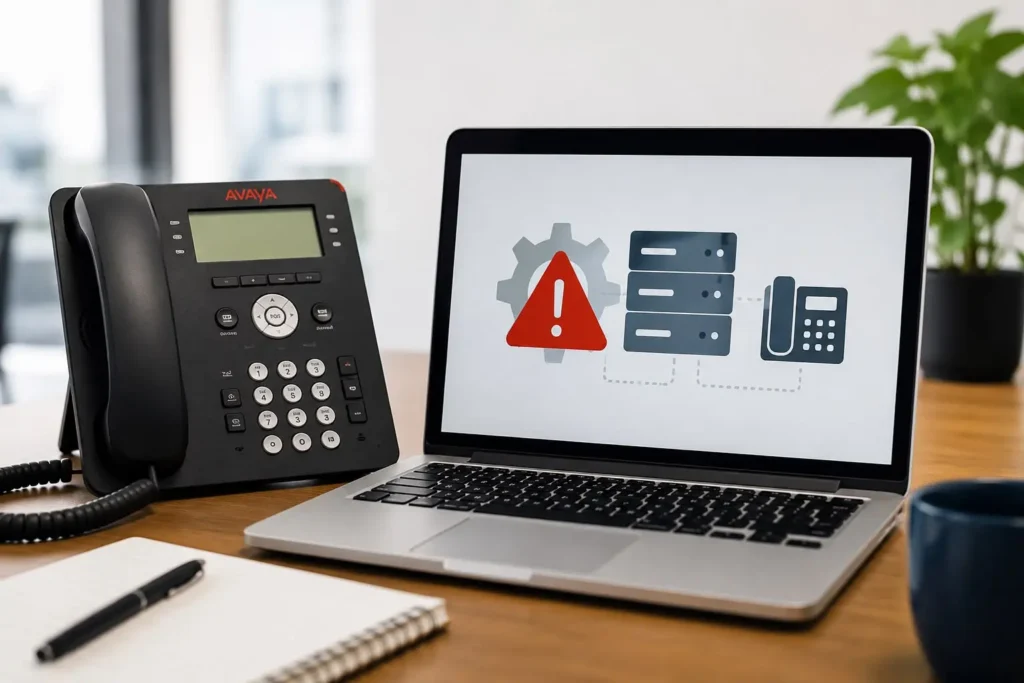
Common mistakes we see in the field
1. Skipping a proper network assessment
Voice traffic is very sensitive. Unlike emails or file transfers, phone calls can’t handle delays, jitter, or packet loss without the other person noticing. Many companies start setting up their Avaya IP Office in Dubai without checking if their network can handle VoIP traffic. Skipping quality-of-service planning is an avoidable mistake.
2. Incorrect licensing setup
The licensing for IP Office is not a formality. It controls which features are active and how many users there can be. Whether certain trunk types will work. Wrong or expired licences often cause support calls about features not working. Getting this right from the start can avoid a lot of problems later.
3. Poor Extension and User Numbering Plans
It sounds minor, but a messy numbering scheme causes real problems as a company grows. Overlapping extension ranges, inconsistent naming, or numbers that don’t align with hunt groups can make call routing confusing for both staff and callers. A clean, logical plan from the start makes future scaling far easier.
4. Misconfigured SIP Trunks
SIP trunk settings are one of the trickiest parts of any Avaya IP Office configuration Dubai companies attempt in-house. Getting codec priorities, registration intervals, or firewall traversal wrong often results in one-way audio, dropped calls, or trunks that simply won’t register. This is an area where small typos in IP addresses or port numbers cause outsized problems.
5. Overlooking Voicemail Pro Integration
Voicemail Pro adds a lot of value – auto attendants, call routing menus, custom greetings – but it also needs to be integrated carefully with the core system. A common oversight is failing to sync mailbox settings with user profiles, which leads to messages going to the wrong place or auto attendants that loop callers endlessly.
6. Ignoring Firmware and Software Updates
IP Office receives regular updates that patch security issues and improve stability. Businesses that treat the system as “set it and forget it” often end up running outdated firmware that’s incompatible with newer handsets or missing critical security patches. This is one of the reasons ongoing Avaya IP Office support Dubai teams offer matters just as much as the initial install.
7. Weak Security Configuration
Default passwords, open remote access ports, and unrestricted admin accounts are an open invitation for toll fraud and unauthorised access. Businesses sometimes focus so much on getting the phones working that security settings get left at factory defaults — a mistake that can get expensive fast if exploited.
8. No Backup or Disaster Recovery Plan
Configuration changes, user data, call routing rules — none of it is backed up automatically unless someone sets that up. If a system crashes or a device fails without a recent backup, you’re looking at rebuilding the whole setup from scratch. This is one of the simplest IP Office configuration mistakes to fix, yet one of the most commonly ignored.
How to Avoid These Pitfalls
- Work with a certified partner rather than relying purely on in-house guesswork.
- Document every change made to the system, including trunk and licensing updates.
- Schedule regular firmware and security reviews rather than waiting for something to break.
- Test call flows and voicemail routing after every major change.
- Keep a recent backup of the full configuration off-site.
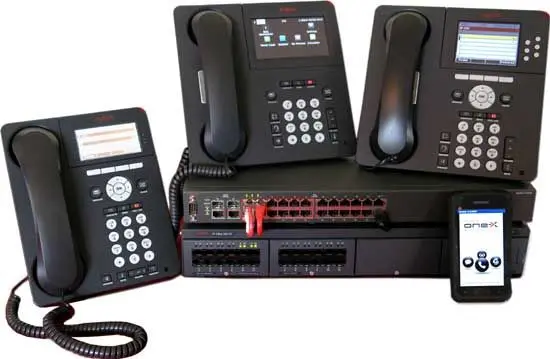
If your business is looking for reliable Avaya IP Office setup support in Dubai, working with an established Avaya IP PBX supplier in Dubai can save considerable time and prevent the errors listed above before they ever happen. For businesses that already have a system in place but need ongoing help, Avaya IP Office Support UAE services can catch small issues before they turn into outages.
Regular maintenance also plays a big role in preventing these mistakes from creeping back in. Pairing your setup with a dependable Avaya AMC Service Dubai provider ensures updates, backups, and health checks happen on schedule instead of being an afterthought. It’s also worth comparing this against broader IT AMC Dubai offerings if you’re managing multiple systems beyond just telephony, since a unified maintenance approach tends to catch cross-system issues that isolated fixes miss.
For companies evaluating hardware options, it’s worth speaking with an experienced IP PBX supplier in Dubai who understands both the technical and licensing sides of these deployments. For deeper technical documentation, Avaya’s own official support resources remain a solid reference point for configuration best practices.
Final Thoughts
Most problems with Avaya IP Office aren’t caused by the platform itself — they come from rushed or incomplete setup work. When you are setting up a phone system or taking a look at an existing one, you need to think about a few important things. This includes networking, licensing, numbering, security, and backups. If you do this, you can stay away from the problems that people have.
Getting help from someone who knows what they are doing with Avaya IP Office configuration, which’s what a lot of businesses in Dubai trust, can make a big difference. It is the difference between a phone system that works all the time and one that always has problems.
Avaya IP Office configuration is something that Dubai businesses trust. So when you are working with Avaya IP Office configuration in Dubai, you should take your time. Be careful. This will help you run with your phone system. A little extra work now will pay off later when you are using your Avaya IP Office configuration.
FAQ
The most frequent issue is skipping a proper network assessment before deployment. Voice traffic needs low latency and minimal packet loss, so without quality-of-service planning, call quality suffers right from day one.
Yes. Licensing controls which features are active and how many users the system supports. If licenses are mismatched, expired, or incomplete, certain features simply won’t function, even if everything else is configured correctly.
A messy numbering scheme might work fine for a small office, but as the company adds staff or departments, overlapping ranges and inconsistent naming make call routing confusing. Planning a clean structure early prevents a lot of rework later.
SIP trunks are sensitive to small errors — wrong codec priorities, incorrect port numbers, or firewall traversal issues can all lead to calls connecting but with broken or one-directional audio. It’s one of the trickier parts of any setup to get right.
It’s not difficult, but it does need careful attention. Mailbox settings must be properly synced with user profiles; otherwise, messages can end up in the wrong place, or auto attendants can create confusing call loops for customers.
Firmware and software should be reviewed and updated on a regular schedule rather than left untouched for years. Updates patch security vulnerabilities and often improves compatibility with newer handsets and devices.
Default passwords, open remote access ports, and unrestricted admin accounts leave the system exposed to toll fraud and unauthorised access. These are simple things to fix but are often overlooked during initial setup.
While some businesses manage basic setup internally, working with an experienced provider reduces the risk of the mistakes covered in this guide. Ongoing support, regular backups, and scheduled maintenance are far easier to maintain with a dedicated partner handling the system.